
Procurement Solutions
Create an efficient process with our industry-leading eCommerce platforms and sourcing services.

That’s why helping you counter costly operational challenges or time-consuming procurement problems drives us daily.
Our extensive product portfolio is complemented by innovative solutions. Engineered to tackle your procurement, inventory and maintenance challenges, contributing to a safer working environment.
Create an efficient process with our industry-leading eCommerce platforms and sourcing services.
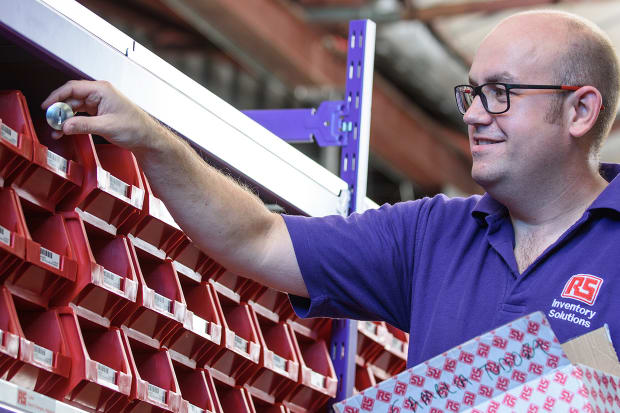
Manage your inventory with our industrial vending or open issue, bin stock solution.

Our expert engineers and analysts deliver calibration, asset reliability and condition monitoring services.
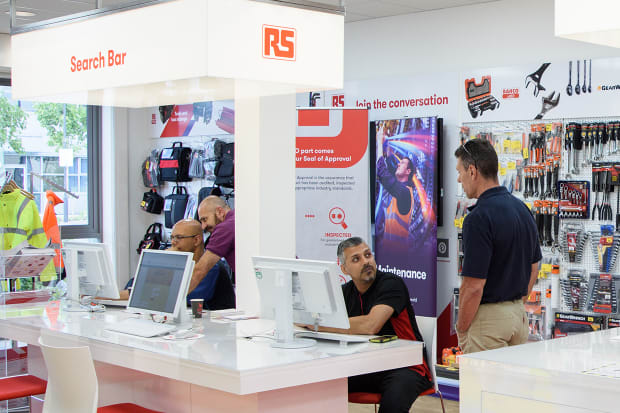
Connect with a branch for same day collection, kitting and eco-tote deliveries.

Design & build prototypes with RS DesignSpark and our digital manufacturing partners.

If you need help shipping products abroad, our export team is here to support.

Discover our PPE consultation service and relationships with all the major PPE manufacturers.

We deliver outsourced integrated solutions that transform your supply chain performance.

Combines the power of our value-added solutions with the might of our people to drive MROP efficiencies on-site where the action happens.
Take a closer look at how our solutions are helping our customers to drive down costs and boost uptime

Learn how RS helped an innovative engineering firm keep vital equipment in peak condition through its re-calibration service.

Tailored eCommerce solution, RS PurchasingManager™ helps healthcare equipment business gain control of their procurement processes.

Discover how RS ScanStock® has increased accessibility to parts on a shopfloor for a market-leading manufacturer.